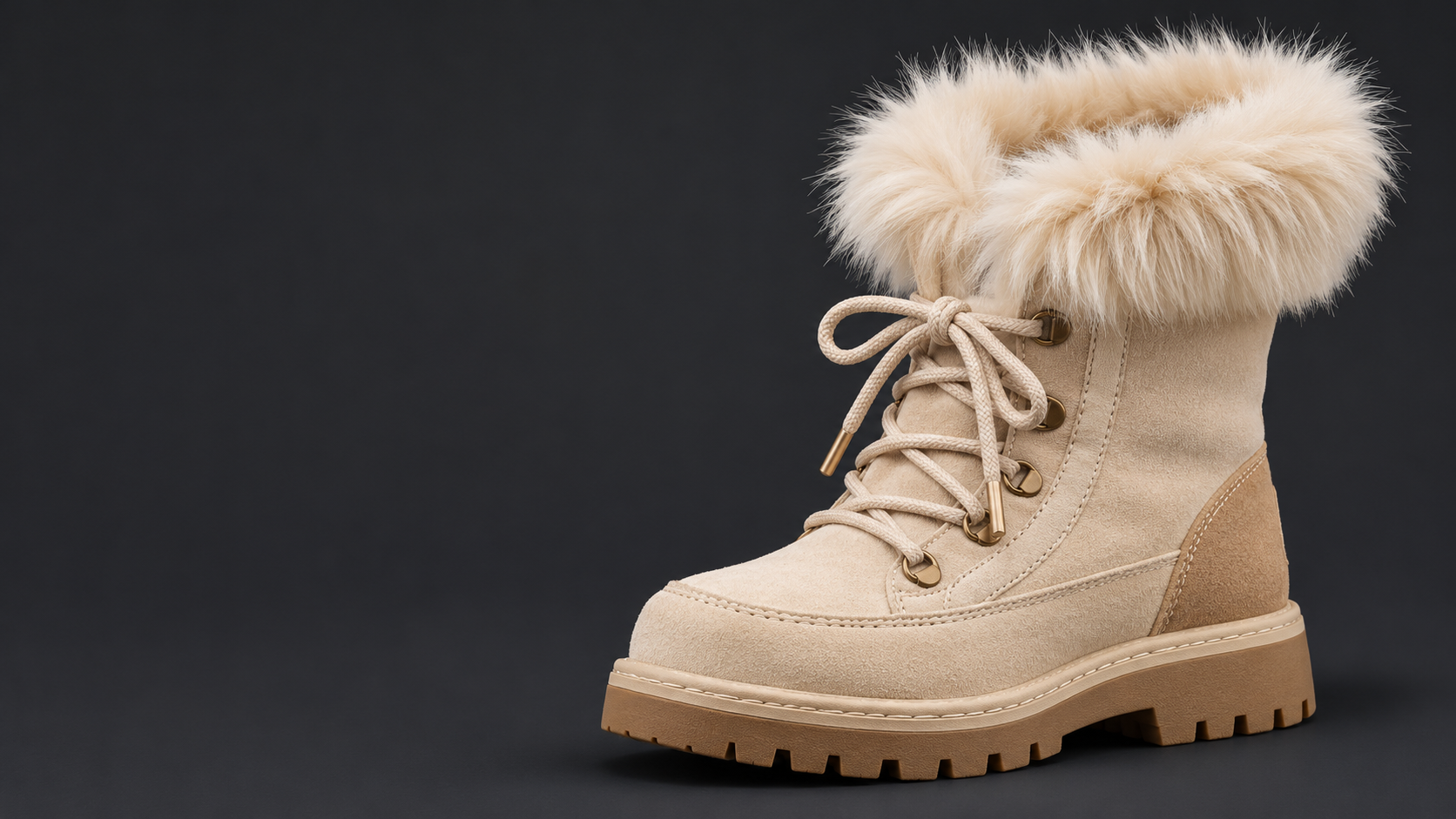
Marketplace image rules differ, so check the current requirements for each channel before you edit a catalog; a clean cutout alone does not guarantee a compliant listing.
Amazon main-image background requirements
Amazon’s current Seller Central guidance says the main product image should use a pure white background (RGB 255, 255, 255), show the product at about 85% of the image, and accurately represent the item. It also restricts added text, graphics, and watermarks in the main image. Category-specific rules can apply, so review the live Amazon product image requirements before uploading.
Use that white-background rule for the main image; do not assume every secondary image must follow the same presentation. Additional image types can help show scale, use, or features, provided they meet the marketplace’s rules and accurately depict what is sold.
Shopify product images: formats and sizing
Shopify accepts several image formats, including PNG and JPEG, and documents limits for product and collection images. Its product media guidance notes that supported formats and how images display depend on the store and customer’s browser. A transparent PNG can be useful for a theme that places products on a consistent design background, but it is not a universal Shopify requirement. Check your theme, sales channels, and any other marketplace rules before standardizing the catalog.
Why a phone photo can miss a pure-white background
A wall that looks white to the eye may photograph as gray, cream, or blue because of room lighting, shadows, camera exposure, and nearby color reflections. Even after background removal, a soft shadow or colored fringe can remain along the product edge. White objects can be especially difficult to separate cleanly from a white surface.
Review the finished file rather than relying on the preview. For Amazon, check the main-image background against the stated RGB value and make sure the product remains fully visible and faithful to the real item.
Three ways to prepare product photos
- Automated editing tool: A convenient option for clear, well-separated products and self-serve edits. Inspect the result, especially around reflective or fine details.
- Manual editing service: Useful when edge quality or consistency needs closer control. Share sample images and confirm the brief before processing a full catalog.
- In-house editing: Gives your team control over masks, shadows, and color, but takes time and an agreed style guide.
No method can make an inaccurate product image acceptable. Keep color, shape, included accessories, and scale faithful to the item being sold.
A careful product-photo workflow
- Save an untouched copy of the original photo.
- Remove or replace the background using an editing method suited to the image’s edges.
- Add a pure white background for an Amazon main image when required; do not confuse a transparent cutout with a white background.
- Check the boundary for halos, missing product details, and unwanted shadows.
- Confirm the file format, dimensions, and image content against the current destination rules.
- Review a sample listing on desktop and mobile before applying the treatment across a catalog.
For transparent cutouts, see how to export and verify a transparent PNG. If you are selecting a recurring editing process, read the comparison of AI tools, clipping paths, and APIs.
BackgroundRemoved.com offers manual Photoshop background removal for product photography, with transparent, white, or agreed custom backgrounds. It also offers manual image resizing and web-ready exports as a separate service or add-on. Request a quote with your sample images, marketplace brief, and required dimensions.
Frequently asked questions
Does Amazon require a white background for the main product image?
Amazon’s Seller Central guidance specifies a pure white (RGB 255, 255, 255) background for main images, along with other presentation requirements. Check the current page and the rules for your product category before uploading, since requirements may vary by category or change.
Does Shopify require product photos to have a white background?
Shopify’s general media guidance covers formats and technical image limits; it does not make a white background a universal requirement for every store image. Your theme, brand design, and other sales channels may call for a consistent treatment. Check all destinations where the photo will appear.
Is a transparent PNG suitable for an Amazon main image?
Do not assume that a transparent cutout meets the main-image requirement. Amazon’s guidance calls for a pure white background for the main image. Place the product on the required white background and check the saved result before uploading.
How can I check that a background is pure white?
Use an image editor’s pixel or color sampler to inspect the background, especially near corners and around shadows. A screen preview can make near-white look pure white. Check the saved file itself and review Amazon’s current rules for your category.
Discuss your product images