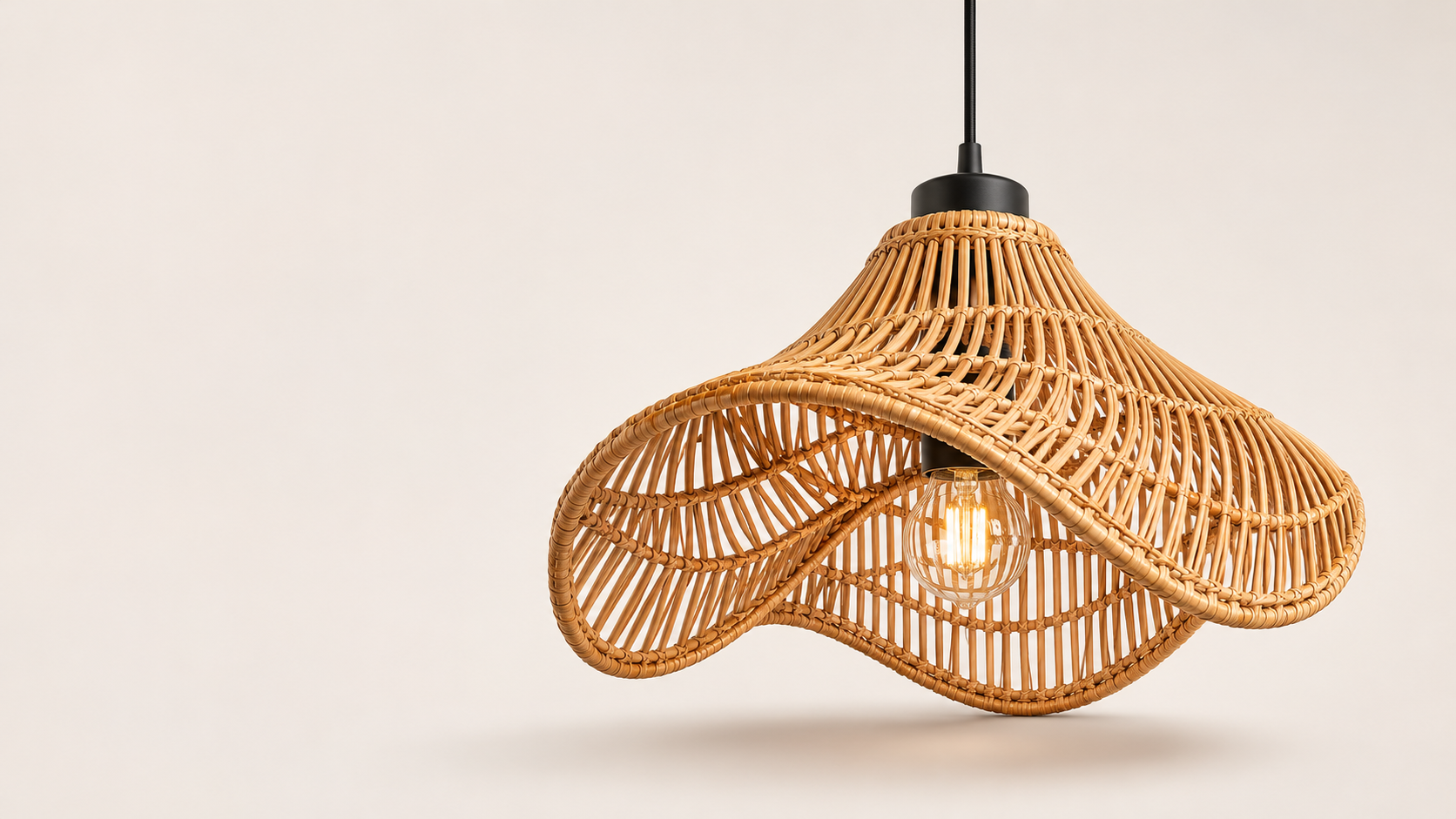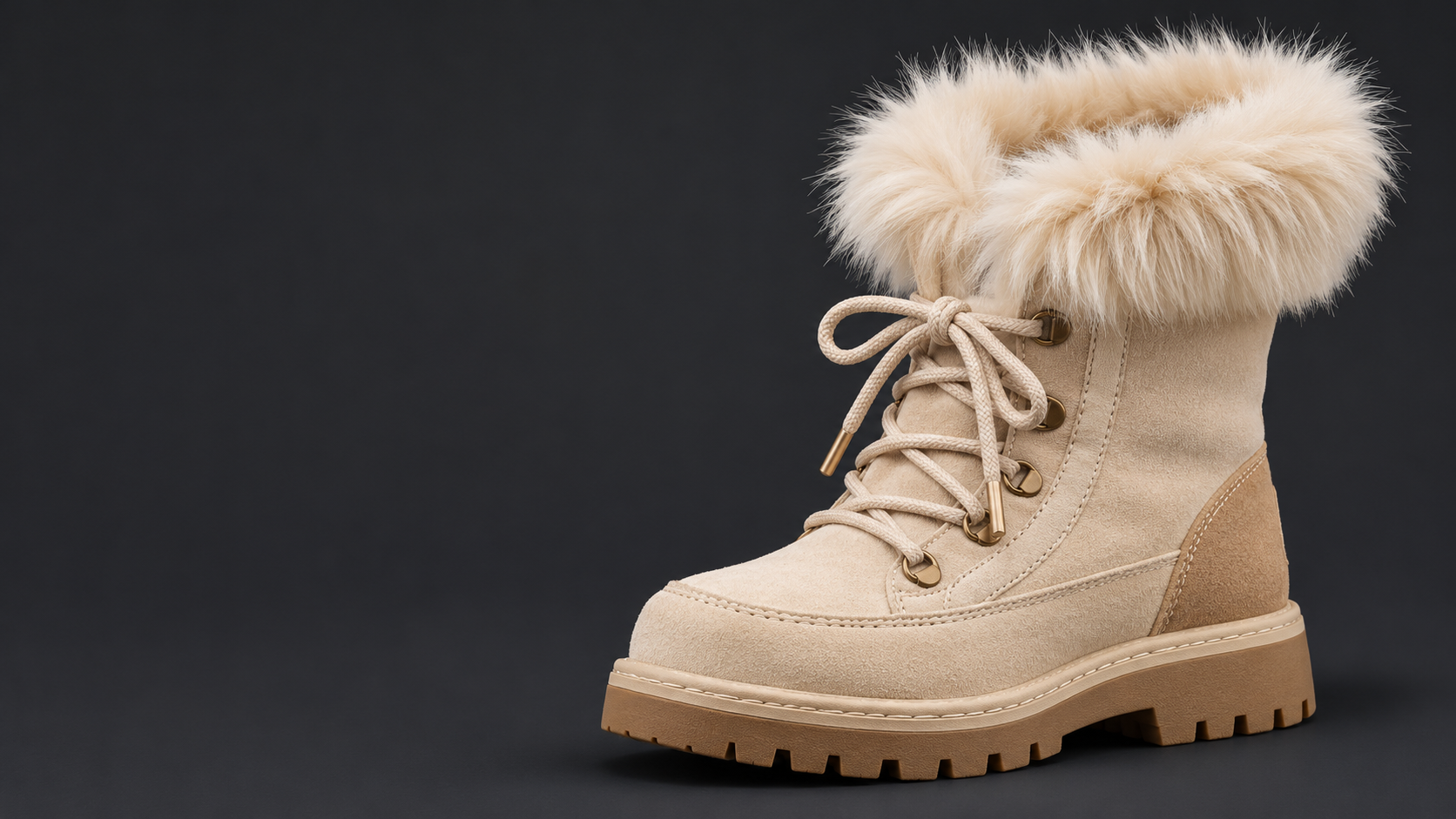
Hair and fur are difficult to isolate because fine strands blend into their surroundings; good source photos and careful edge work help reduce halos and lost detail.
Why hair and fur are difficult to cut out
Unlike a solid product edge, hair and fur include flyaways, gaps, soft focus, and partly transparent strands. When the subject and background are similar in color, an automatic selection may leave a fringe or erase fine detail. Strong backlighting can also mix the background color into the outer strands.
Common causes of a poor edge include:
- Low contrast between the hair or coat and the background.
- Busy patterns behind loose strands.
- Motion blur or a soft-focus outline.
- Backlighting that creates a bright rim.
- Compression artifacts or a low-quality source file.
Prepare the source photo
Use the original, highest-quality image available. If you can reshoot, choose a plain background that contrasts with the hair or coat, light the subject evenly, and avoid a bright light directly behind the outline. Keep the subject in focus and limit movement that can blur fine strands.
Even without a studio, an uncluttered wall or background can make a difference. Check the full outline: loose hair against a similar-colored wall is harder to separate than hair against a contrasting surface.
Refine the edge step by step
- Make a first selection. Use your background-removal tool or editor to isolate the subject.
- Check on light and dark backgrounds. This reveals pale and dark fringes that can disappear against a single preview color.
- Zoom in around the outline. Inspect the crown, ears, shoulders, and flyaways, then check the image again at its final display size.
- Restore and remove selectively. Bring back lost strands and remove leftover background with small brush strokes or a layer mask.
- Use feathering sparingly. Excessive feathering softens the subject; too little can leave an artificial hard line.
In Photoshop or GIMP, a layer mask lets you reveal or hide parts of the cutout without permanently deleting pixels. Keep the original layer so you can revisit the edge as needed.
When to choose manual editing
If repeated automatic selections remove important strands or leave a visible halo, manual refinement may be faster than repeated retries. For a set of images with detailed edges or a consistent catalog standard, you can send representative samples to a human editor and review a test before proceeding. BackgroundRemoved.com uses manual Photoshop techniques, including layer masks and edge refinement, for product-photo work. Ask first whether the particular portrait or pet image fits the service scope, and specify the required output.
For service selection, see AI, clipping paths, and APIs compared. To check alpha transparency in the finished file, read the transparent PNG guide.
Ask about a manual edge-refinement quote with a sample image and a note about the strands that must be preserved.
What a good hair or fur cutout looks like
- No obvious white, dark, or colored halo around the edge.
- Fine flyaways remain where they are visible in the source.
- Soft or partly transparent tips do not become a hard solid line.
- The outline looks natural over both light and dark backgrounds.
- The cutout still looks convincing at its normal display size.
Frequently asked questions
Why does a halo appear around hair after background removal?
A halo can come from bright background light mixed into soft hair edges or pixels left behind by the selection. View the cutout over a dark background, then refine the affected edge. A low-contrast or blurry source photo can make the problem harder to correct.
Can AI preserve every flyaway hair?
Not reliably in every image. Fine strands may be indistinguishable from background detail, especially when colors match or the source is blurry. Start with a clear original, review the result, and restore important strands with a refinement brush or mask if needed.
Should I feather the edge to remove a halo?
Feathering can soften a harsh edge, but it can also blur the subject or widen a fringe. First identify whether the problem is leftover background or an overly hard mask. Make small adjustments and check against the background where the image will appear.
Can BackgroundRemoved.com edit hair and fur?
BackgroundRemoved.com describes manual Photoshop background removal for product photography. Hair or fur portraits may require a different brief, so share a sample and ask whether the image fits the service before ordering.
Discuss your product images